How to Build a No-Code AI Chatbot
A practical step-by-step guide to building an intelligent chatbot without writing code, using AI, automation, and visual workflows.
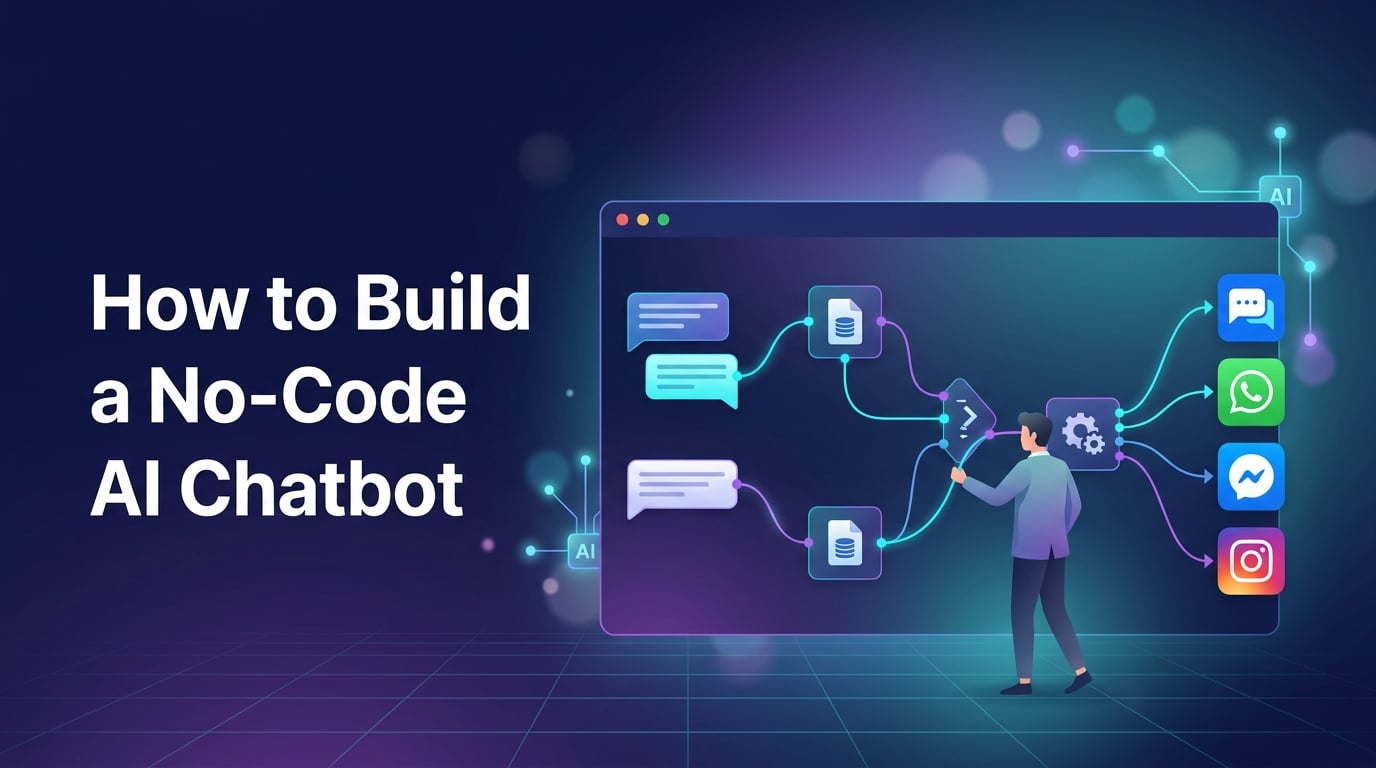
Building an AI chatbot used to sound like a developer-only project. You needed to understand programming languages, APIs, databases, natural language processing, and conversation logic before you could build something useful.
That has changed.
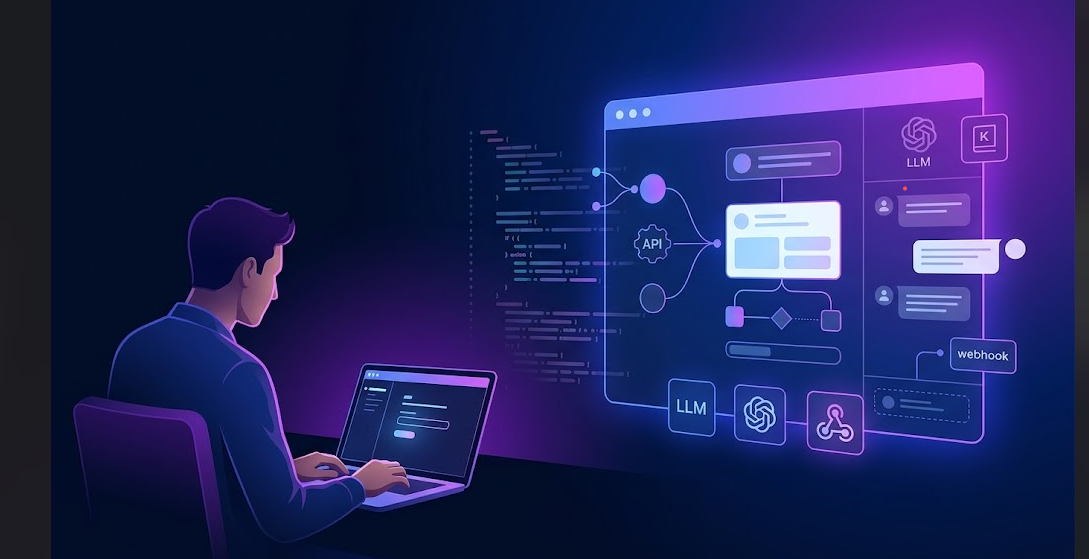
Today, no-code platforms make it possible for marketers, business owners, support teams, and product managers to build AI chatbots without writing traditional code. You can design conversations visually, connect knowledge sources, integrate with messaging platforms, and use large language models to generate intelligent responses.
However, building a chatbot without code does not mean building one without strategy. The technology has become easier, but a useful chatbot still requires clear goals, good knowledge, thoughtful conversation design, and proper testing.
This guide explains how to build a practical no-code AI chatbot from scratch.
What Is a No-Code AI Chatbot?
A no-code AI chatbot is a conversational system that allows you to create and manage automated conversations through a visual interface instead of traditional programming.
Rather than writing code for every interaction, you can typically use a drag-and-drop builder to create workflows. You define what happens when a user sends a message, asks a question, clicks a button, or provides information.
Modern AI chatbots go beyond traditional rule-based bots. They can use AI models to understand the meaning and intent behind messages, retrieve information from a knowledge base, and generate responses that feel more natural.
A no-code chatbot can be used for:
Customer support
Lead generation
Product recommendations
Frequently asked questions
Appointment or meeting booking
Sales qualification
Internal employee support
Website engagement
WhatsApp, Messenger, and Instagram automation
The platform handles the technical infrastructure while you focus on the customer experience.
Step 1: Define What Your Chatbot Should Do
The first mistake many people make is opening a chatbot builder before deciding what the chatbot is actually supposed to accomplish.
A chatbot should have a clear primary job.
For example, a customer support chatbot might answer questions about pricing, delivery, refunds, and account issues. A sales chatbot might collect a visitor's name, email, company size, and requirements before sending qualified leads to a sales team.
Starting with a specific use case makes the entire project easier.
Ask yourself:
Who will use the chatbot?
What problems should it solve?
Which questions will users ask?
What information should the chatbot collect?
When should a human take over the conversation?
What does a successful conversation look like?
Suppose you run a SaaS company. Instead of trying to create an AI assistant that can do everything, you could begin with three simple tasks:
Answer product questions.
Help visitors choose the right plan.
Collect qualified sales leads.
This gives the chatbot a clear purpose and makes it easier to measure performance later.
Step 2: Choose the Right No-Code Chatbot Platform
Different platforms are designed for different channels and business needs.
Before choosing a tool, check where your customers actually communicate. Some platforms focus mainly on websites, while others support channels such as WhatsApp, Facebook Messenger, and Instagram.
A good no-code AI chatbot platform should ideally provide features such as:
Visual flow builder
AI or LLM integration
Knowledge base support
Multi-channel messaging
Human agent handover
Webhooks and API connections
Contact and lead management
Analytics
Automation workflows
For businesses that want to manage conversations across multiple channels, a platform such as BotSailor can provide a visual environment for building chatbot flows and combining traditional automation with AI-powered responses.
The important point is not to choose the platform with the longest feature list. Choose the one that matches your use case and communication channels.
Step 3: Design the Basic Conversation Flow
Even when you use AI, you should not let the chatbot improvise everything.
A good chatbot usually combines structured conversation flows with AI-generated responses.
For example, a website visitor could start with this message:
Hi! How can I help you today?
Then the chatbot can provide options such as:
Learn about the product
Get pricing information
Contact sales
Get support
This creates a clear entry point. After the user chooses an option, the chatbot can either follow a predefined flow or use AI to answer more complex questions.
A simple conversation might look like this:
User: I want to know your pricing.
Chatbot: Are you looking for a personal plan, a business plan, or an enterprise solution?
User: Business plan.
Chatbot: Our business plans are designed for growing teams. Would you like me to explain the available options or connect you with our sales team?
The flow is structured, but the conversation still feels natural.
Visual builders make this process easier because you can map the entire conversation without writing code.
Step 4: Add AI Intelligence
This is where a traditional chatbot becomes an AI chatbot.
Instead of relying only on exact keywords and predefined responses, AI can help the chatbot understand what users mean.
For example, these messages all have a similar intention:
How much does your product cost?
What are your plans?
Do you have a monthly subscription?
Can I see your pricing?
A traditional rule-based chatbot might require multiple keyword rules to handle these questions. An AI-powered chatbot can understand that the user is asking about pricing.
The basic process usually works like this:
User message → AI understanding → Relevant information → Generated response
Depending on the platform, you may connect an AI model through a built-in integration or an API. No-code platforms simplify the technical side by providing a configuration interface where you can select the AI provider and define how the chatbot should behave.
You should also define clear instructions for the AI.
For example:
You are a helpful customer support assistant. Answer questions using the provided company knowledge. Do not invent information. If you do not know the answer, offer to connect the user with a human support representative.
Instructions like this help create more reliable responses.
Step 5: Build a Knowledge Base
An AI model does not automatically know the details of your business.
If you want accurate answers, you need to provide relevant information.
Your knowledge base may include:
Product documentation
FAQs
Website pages
Pricing details
Policy documents
User guides
Support articles
Internal business information
This allows the chatbot to search or retrieve relevant information before generating an answer.
Imagine a customer asks:
Can I integrate this chatbot with my existing CRM?
The chatbot should ideally find the relevant documentation before responding instead of guessing.
The quality of your AI chatbot will depend heavily on the quality of your knowledge.
Keep your information organized, current, and specific. If your documentation is outdated or incomplete, AI will struggle to provide accurate answers.
Step 6: Combine AI With Traditional Automation
One of the biggest misconceptions about AI chatbots is that every part of the conversation needs to be generated by AI.
That is usually unnecessary.
Some tasks are better handled through structured automation.
For example, if you need to collect a customer's:
Name
Email address
Phone number
Company name
Budget
A predefined workflow is more reliable than asking AI to manage the entire process.
A modern chatbot architecture often looks like this:
AI for understanding → Workflow for action → AI for conversation
The AI understands what the user wants. The workflow performs the required action. AI can then help continue the conversation naturally.
This hybrid approach gives you more control while keeping the chatbot flexible.
Step 7: Create a Human Handover System
No AI chatbot should be expected to solve every problem.
Users may have complicated technical issues, unusual requests, or sensitive questions. In those situations, the chatbot should know when to involve a human.
You can create rules such as:
Transfer when the user asks to speak with a human.
Transfer after multiple failed answers.
Transfer when the chatbot detects a complaint.
Transfer when the conversation involves billing or account problems.
Transfer when the AI does not have enough information.
The handover should preserve conversation context whenever possible.
A support agent should be able to see what the user already asked so the customer does not need to repeat everything from the beginning.
A simple human handover can significantly improve the customer experience because users do not feel trapped inside an automated system.
Step 8: Connect Your Chatbot to Communication Channels
Once the chatbot logic is ready, you can connect it to the channels where your customers already communicate.
Common options include:
Website chat
WhatsApp
Facebook Messenger
Instagram Direct Messages
The best channel depends on your business.
An e-commerce company might prioritize WhatsApp and Instagram. A B2B SaaS company may focus more on website chat and lead qualification. A support-focused business may need automation across multiple channels.
Platforms such as BotSailor are designed around multi-channel chatbot automation, allowing businesses to manage conversations and workflows without building separate systems for every messaging channel.
However, the goal should be consistency. Customers should receive accurate and helpful information regardless of where the conversation starts.
Step 9: Test the Chatbot Before Publishing
Never assume the chatbot is ready simply because the workflow looks correct in the builder.
Test it like a real user.
Ask questions in different ways. Try spelling mistakes, vague questions, unexpected requests, and incomplete information.
For example, instead of testing only:
What is your refund policy?
Also test:
Can I get my money back?
I want to cancel and receive a refund.
I bought the wrong plan yesterday. What can I do?
This helps you understand whether the AI is actually recognizing user intent.
You should also test:
Broken conversation paths
Knowledge-base accuracy
AI hallucinations
Human handover
Lead collection
Integrations
Mobile experience
Testing is not a one-time process. The best chatbot systems improve continuously based on real conversations.
Step 10: Monitor and Improve Performance
After publishing the chatbot, monitor what users actually do.
Useful metrics include:
Number of conversations
Resolution rate
Escalation rate
Lead conversion rate
Most common questions
Unanswered questions
Conversation drop-off points
One of the most valuable things you can analyze is what the chatbot could not answer.
Those unanswered questions often reveal gaps in your knowledge base, documentation, or conversation design.
If customers repeatedly ask the same question, you can improve the chatbot by adding better knowledge or creating a dedicated workflow for that situation.
A chatbot should evolve with the business.
A Simple No-Code AI Chatbot Architecture
You do not need a complicated technical system to start. A basic architecture can look like this:
User sends a message
↓
AI identifies the user's intent
↓
The system checks the knowledge base or workflow
↓
The chatbot generates a response or performs an action
↓
The conversation continues or transfers to a human
The no-code platform manages the technical complexity while you design the logic behind the customer experience.
Common Mistakes to Avoid
Giving the AI too much freedom
AI should not be allowed to invent important information about pricing, policies, or technical capabilities. Give it clear instructions and reliable knowledge.
Building without a specific goal
A chatbot that tries to do everything often does nothing particularly well. Start with one important problem.
Using only predefined flows
Rigid menus can frustrate users. AI should help the chatbot understand natural language when customers do not follow the expected path.
Using only AI
AI is not the best solution for every task. Structured automation is often more reliable for data collection and business processes.
Ignoring human support
A chatbot should make it easier to reach the right person when automation cannot solve the problem.
Never reviewing conversations
Real user conversations are one of the best sources of improvement. Review them regularly and identify patterns.
The Future of No-Code AI Chatbots
No-code chatbot development is moving toward systems that are easier to build but more capable behind the scenes.
The biggest shift is that chatbot creation is no longer mainly about building a list of scripted questions and answers. The challenge is becoming the design of intelligent systems that understand context, access reliable information, and take useful actions.
AI agents, knowledge retrieval, multi-channel communication, workflow automation, and human support are increasingly becoming part of the same system.
This is good news for non-developers.
You do not need to become a machine learning engineer to build a useful AI chatbot. But you do need to understand your customers, organize your knowledge, and design conversations carefully.
Final Thoughts
Building a no-code AI chatbot is easier than ever, but the most successful chatbot is not simply the one with the most advanced AI model.
A useful chatbot understands what the customer needs, has access to accurate information, knows when to follow a workflow, and knows when a human should take over.
Start with a clear use case. Build a simple conversation flow. Add AI where understanding and flexibility are valuable. Connect reliable knowledge sources. Test the chatbot with real questions, then improve it continuously.
The real power of no-code AI is not that it removes every technical challenge. It gives more people the ability to turn good customer experience ideas into working automation.
And that is why no-code AI chatbots are becoming an important part of modern business communication.